Album proofing for photographers
Album Approve
Your photographs. Their feedback. A clear approval.
View demo proof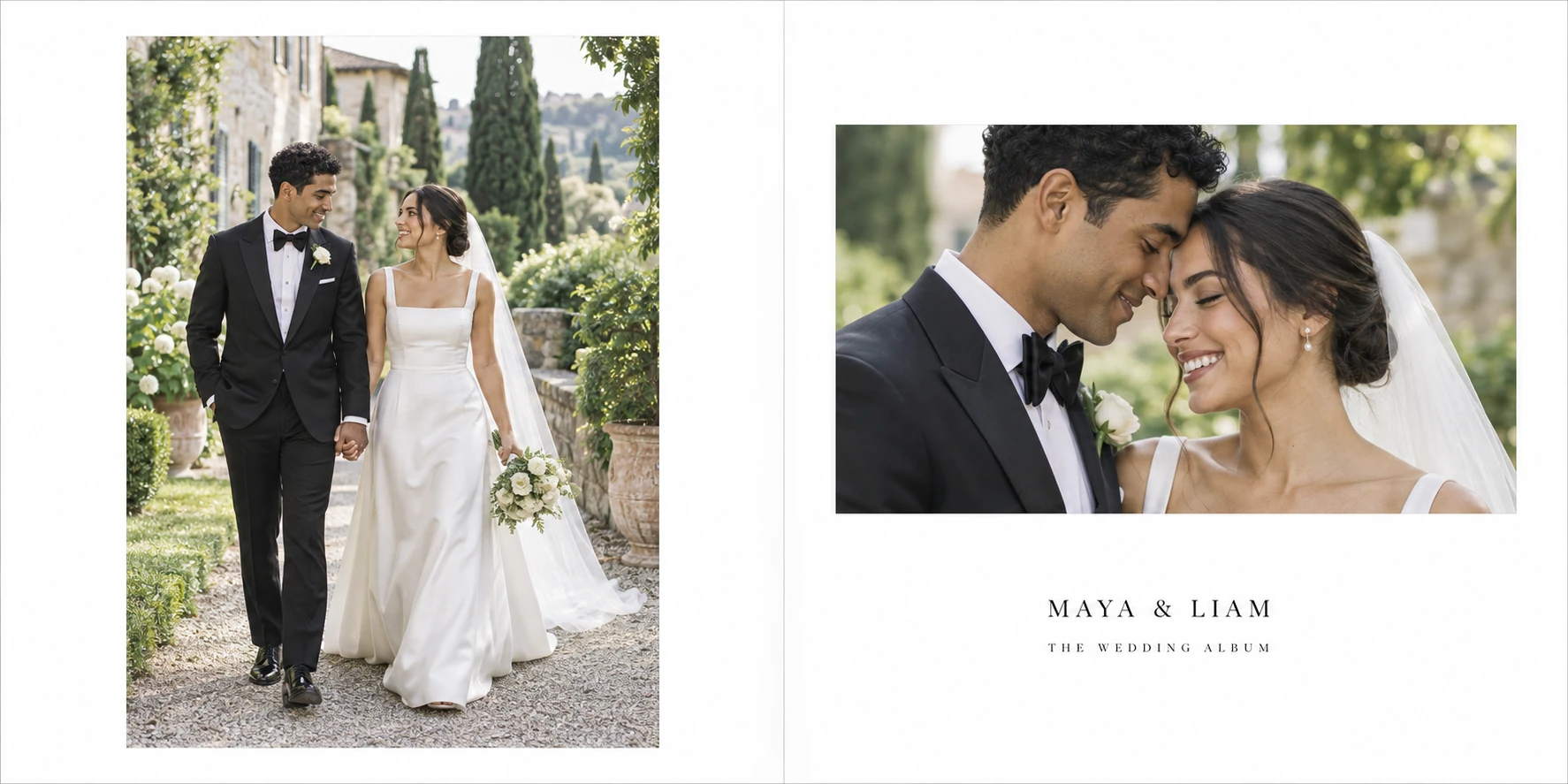
Keep designing in your own tools. Upload JPG or PNG spreads, share a proof link, and keep each note with its spread.
Illustrative sequence. Fictional photographs and real app captures. Revisions are uploaded designs, not automatic edits.
A note with a place.
Clients review the album through one link and pin a comment directly to the spread. No client account required.
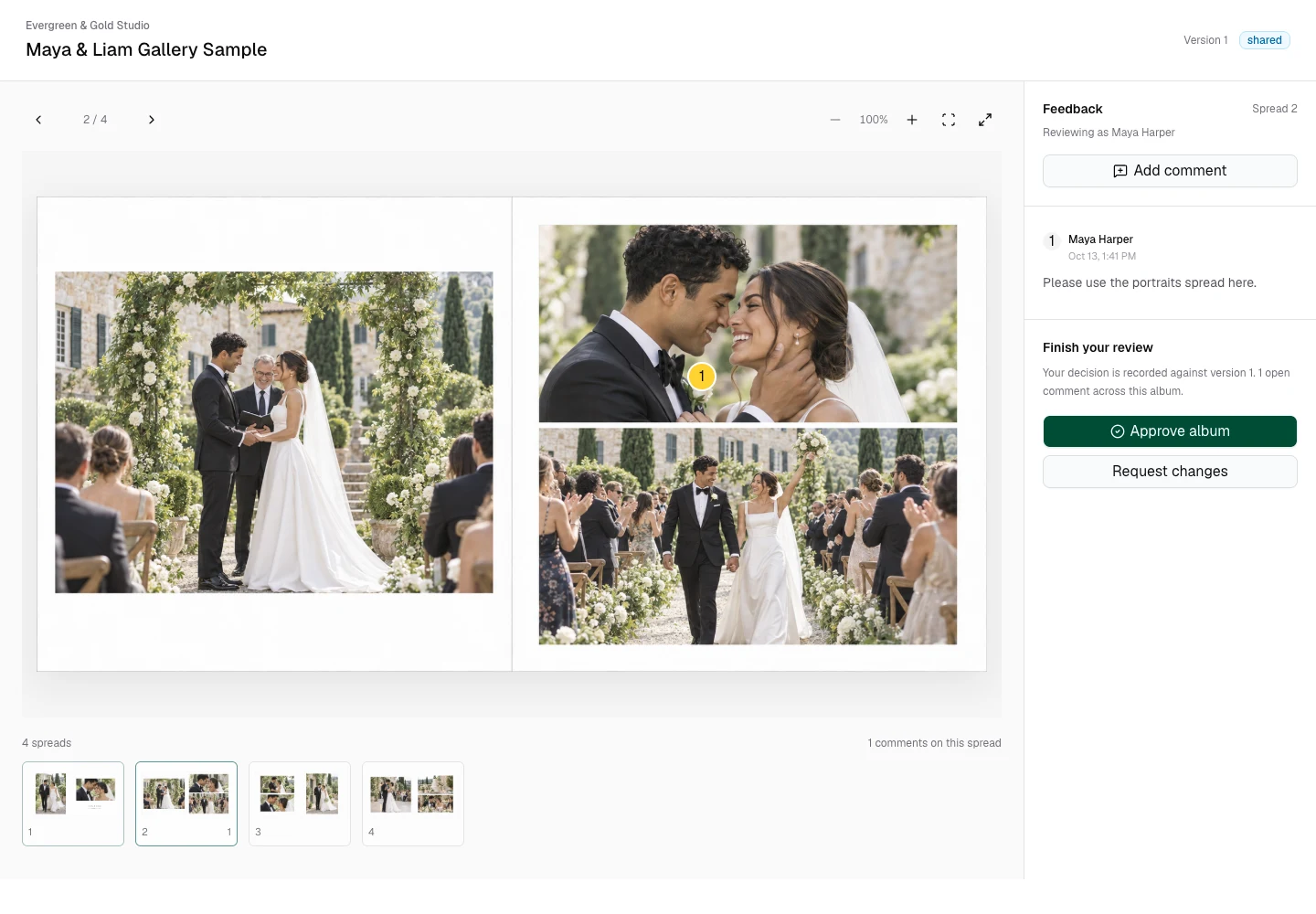
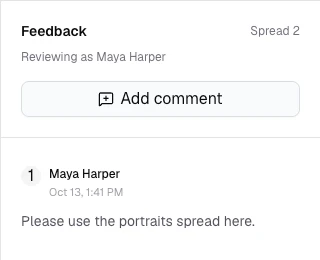
1“Please use the portraits spread here.”
Fictional sample request
That note. This revision.
The studio replaces the requested spread with a new exported file. Its comments stay attached to the same spread.
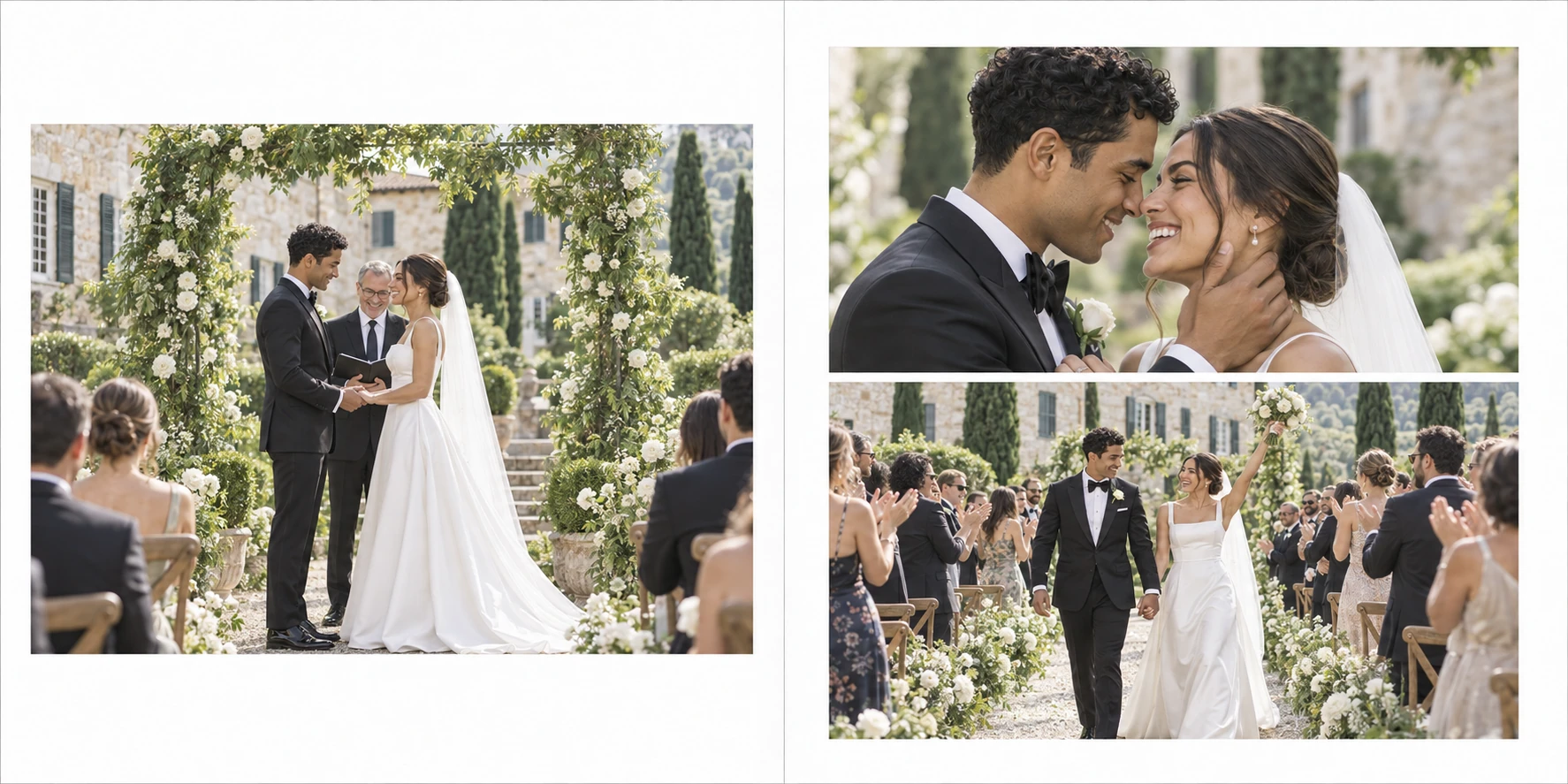 Draft export
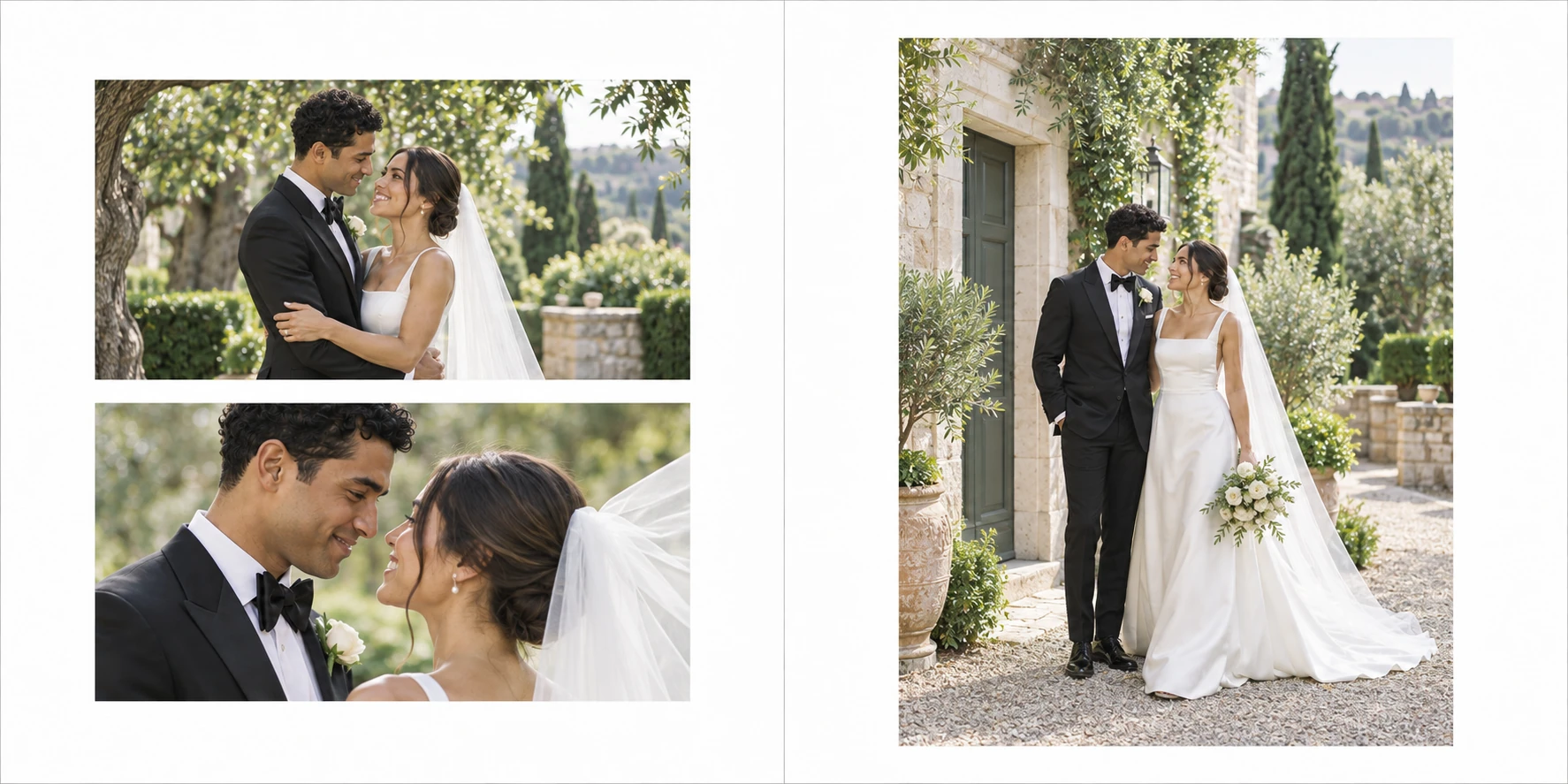 Replacement export
See the replacement in the real studio workspace
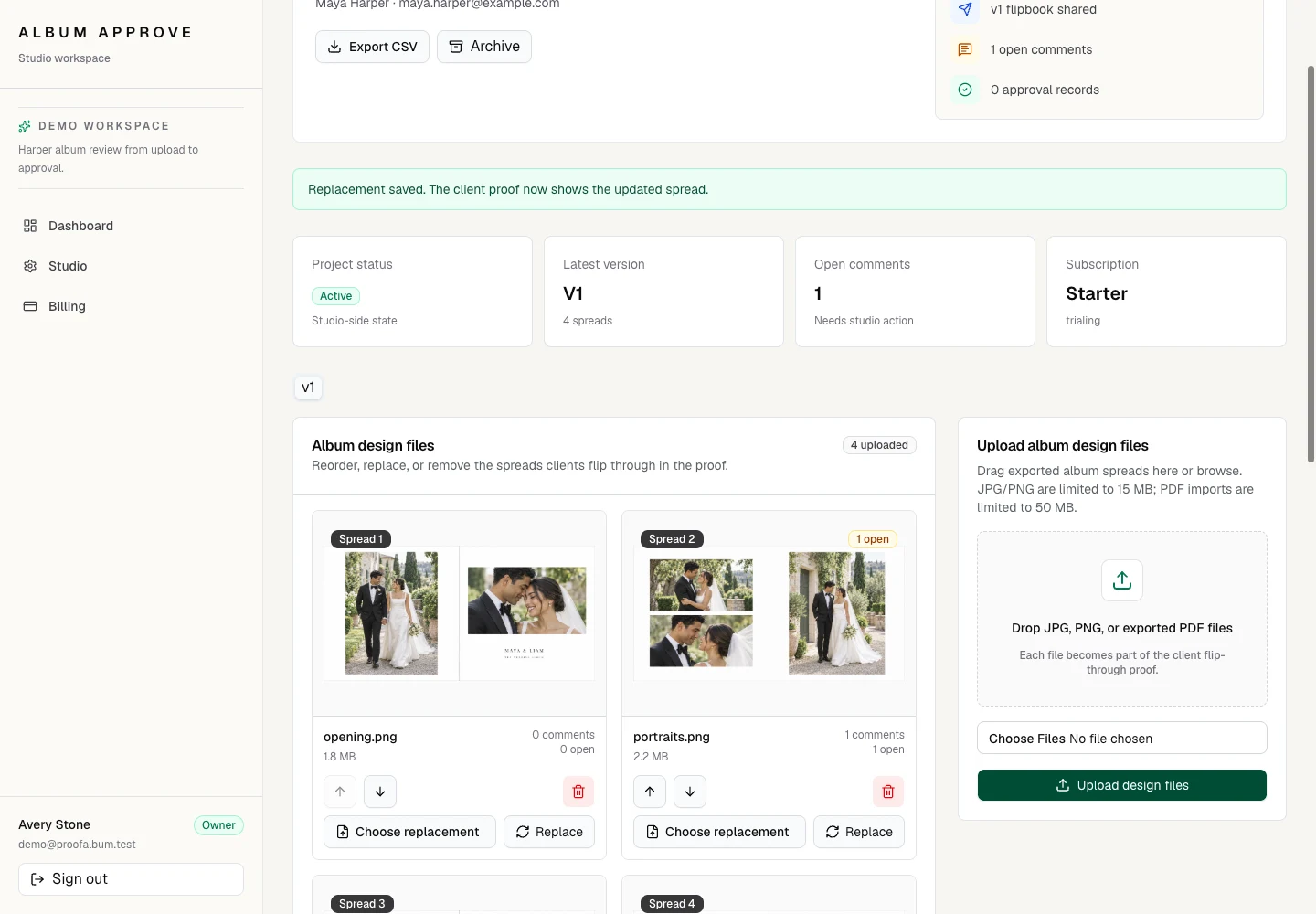
Design changes happen in your album software. Album Approve handles review, uploaded replacements, and comment resolution.
An explicit decision.
After the note is resolved, the client confirms which album version they approve. The decision is recorded with that version.
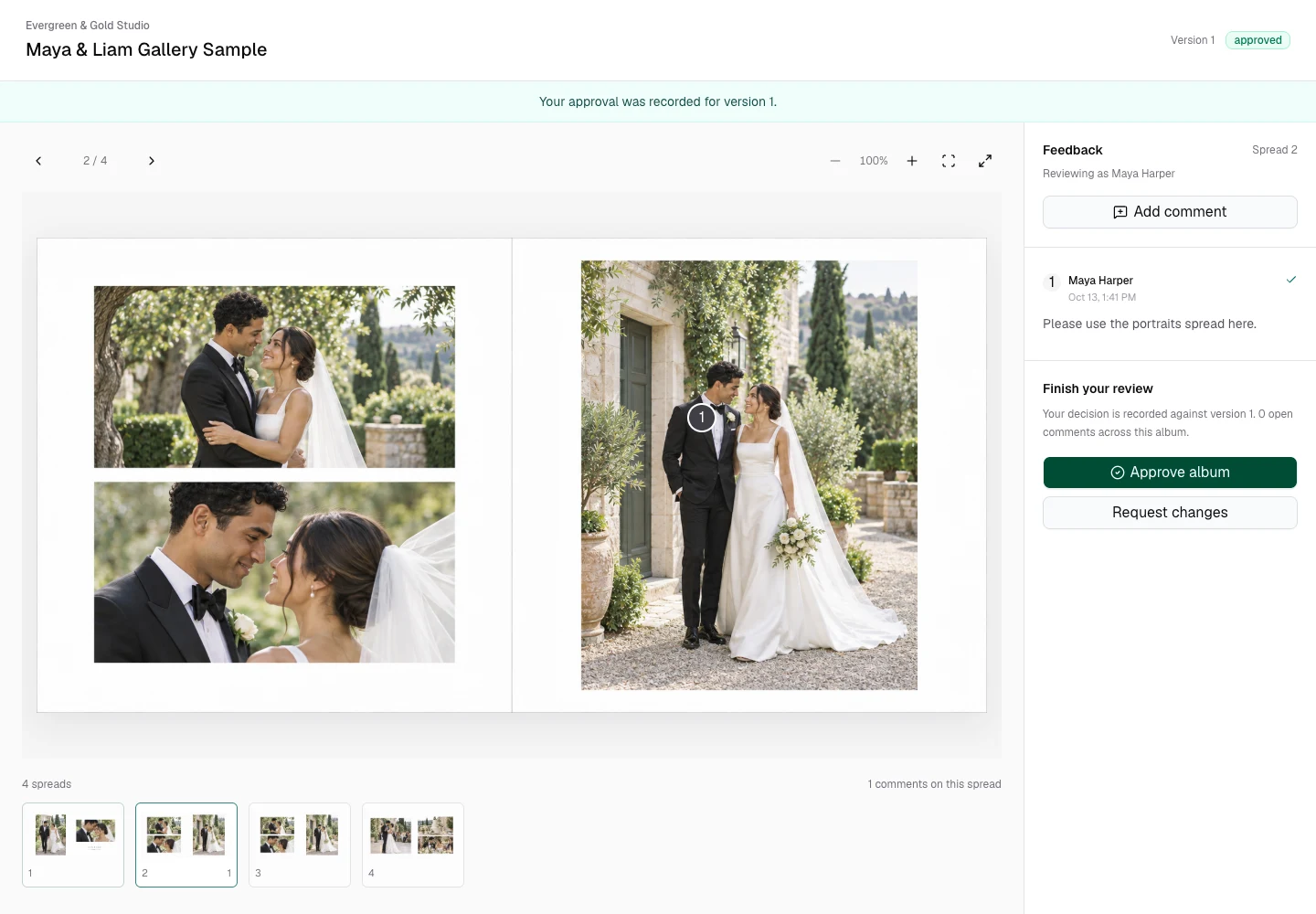
Watch the review happen.
A short desktop recording of uploading spreads, saving a pinned note, and confirming approval.
Play the 24-second desktop walkthrough
Your design. Ready for review.
Add exported JPG or PNG spreads to a client album. Keep the design work in the tools you already use.
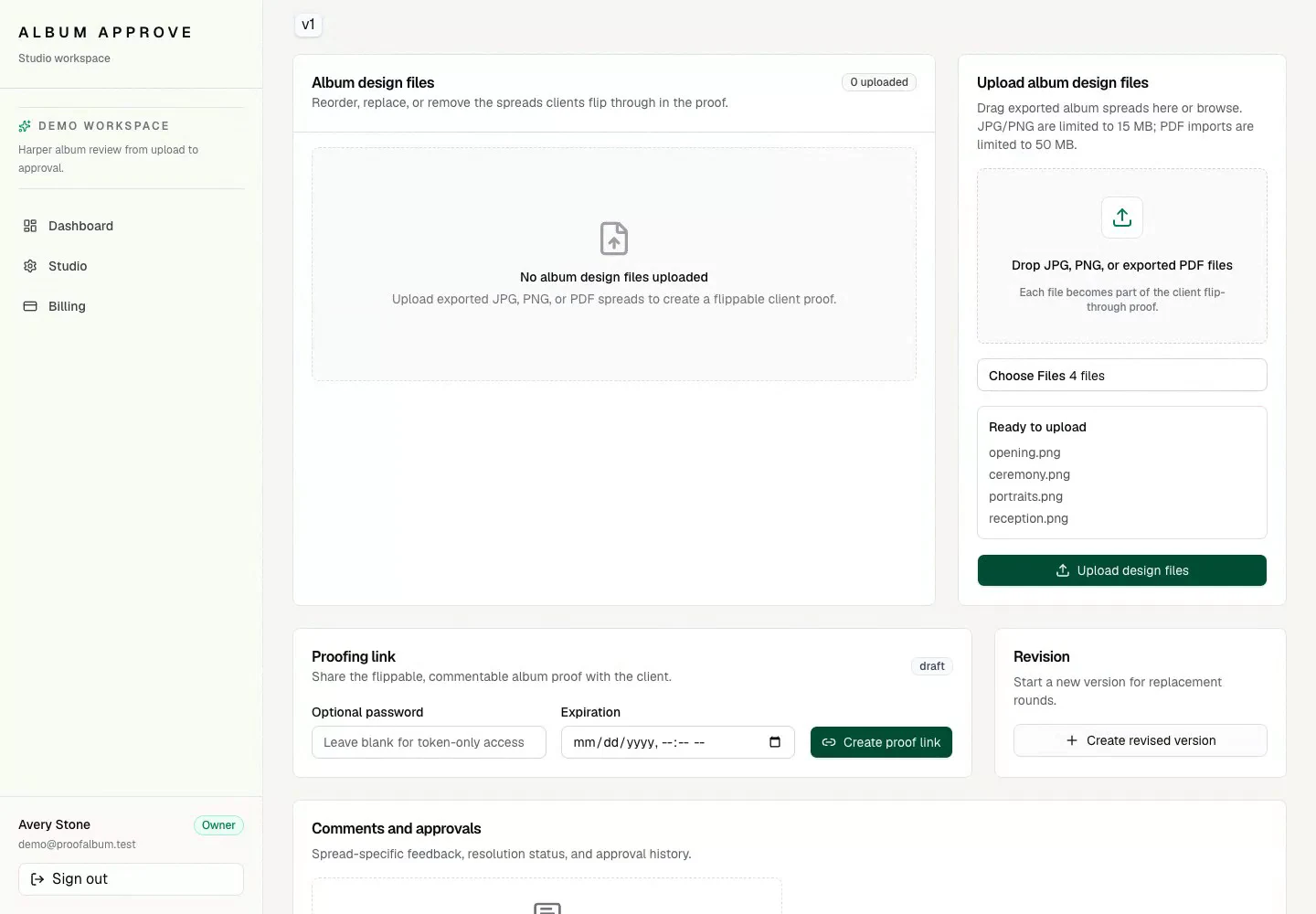
Silent recording: the studio uploads four wedding album spreads. A client pins a note to the ceremony spread and saves it. After the studio resolves the note, the client confirms approval of version one and sees the saved approval confirmation.
Find your studio's fit.
Planned monthly plans, from a single album to regular studio proofing. Explore the workflow before a configured rollout.
Plan buttons open the studio preview, not a paid checkout. View plan details.
Know what you are sharing.
Uploaded spreads use signed asset routes. Guest proof links support optional passwords. The sample photographs and this gallery are public.
This hosted preview is non-durable. Uploads, notes, and approvals can disappear when its memory resets. Use fictional files here. Production identity and durable storage still need implementation.
Does this design albums or order prints?
No. It reviews exported designs, collects feedback, and records decisions. Design and print ordering stay in your existing tools.
Can I upload a PDF?
PDF import exists, but it currently creates page placeholders rather than rendering your design. Use JPG or PNG exports to review actual spreads.
Why not send a PDF by email?
You can. A proof link keeps notes next to the reviewed spread, allows replacements, and records the client's decision against an album version.
Give the album its next step.
View demo proofNo client account required to explore the sample proof.